 Fiza3D
How to Design a Road Network for a Game Level
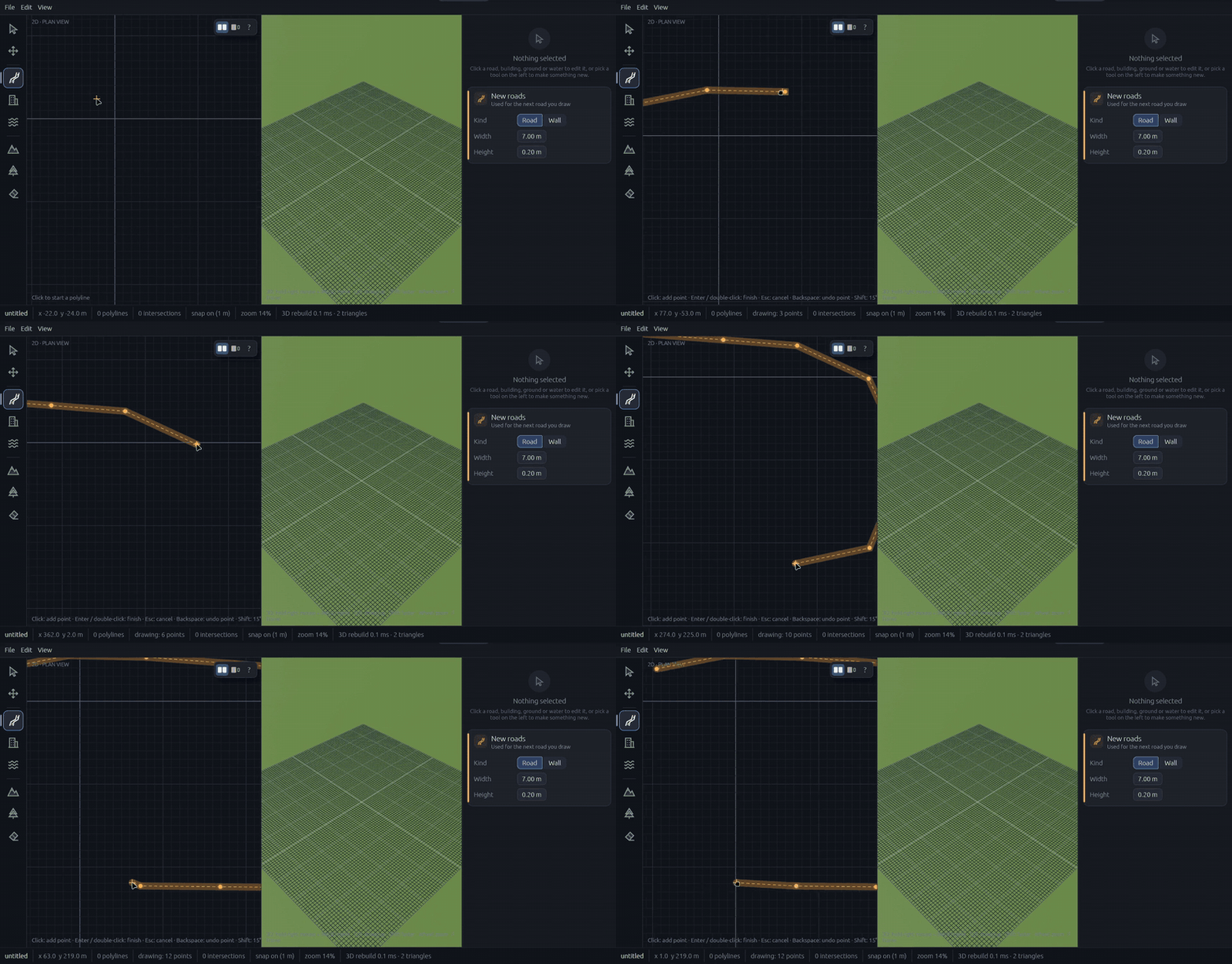
Roads are the skeleton of most game maps. Racing games, open worlds, city builders and even shooters set in towns all depend on how streets connect. A good network guides the player without a single sign, and a bad one leaves them lost or bored. Here is a simple process for designing one.
1. Start with flow, not detail
Before you draw a single lane, decide how players move. Ask three questions: where do they start, where do they need to go, and how long should the trip feel? Sketch a few thick lines for the main routes first. Details like kerbs and footpaths come later.
- Main arteries: two or three long, wide roads that cross the map.
- Connectors: medium roads that link the arteries and create loops.
- Local streets: short, narrow roads that fill in neighbourhoods.
2. Build loops, not just lines
A network made only of branches creates dead ends, which are frustrating in a driving game and predictable in an on-foot one. Loops give players choices and let your AI traffic circulate. Even one ring road changes how a map feels.
3. Choose junctions on purpose
Every place two roads meet is a design decision. A T-junction slows traffic, a roundabout keeps it moving, and a crossroads creates a focal point. Space junctions out so players have a stretch of road to build speed or take in the view before the next decision.
4. Keep widths and lanes consistent
Pick a few road types and reuse them. Players read road width as importance, so a wide road should lead somewhere that matters. In Fiza3D you can give each road its own lane and footpath cross-section, and different segments of the same road can use different styles, so a boulevard can narrow into a lane without a visible seam.
5. Check the layout in 3D early
A plan view hides problems that show up the moment you stand in the world: blind corners, sightlines that are too long, streets that feel like corridors. Working in a tool that shows the 3D result beside the 2D plan lets you catch these while changes are still cheap. That is the whole idea behind Fiza3D: draw in a simple top-down plan and watch the 3D world build live beside you.
6. Plan for height from the start
If your map has hills, rivers or flyovers, decide where roads cross them before you finalise the layout. Moving a road later can mean redoing the terrain around it. We cover bridges and tunnels in the next article.
A quick checklist
- Main routes sketched and connected
- At least one loop
- Junction types chosen deliberately
- Two or three consistent road styles
- Walked or driven in 3D at least once
Build your first 3D map
Join the Fiza3D waitlist and be first in line when it opens up.
Join the waitlist