 Fiza3D
Exporting a 3D Map to Your Game Engine with glTF
You have built a map. Now it has to get into your game. The format you choose decides how painful that step is. For level geometry, glTF is usually the right answer.
What is glTF?
glTF is an open standard for 3D scenes, often described as the JPEG of 3D. It stores meshes, materials, textures and scene layout in a compact, well-documented format. Because it is open and widely supported, you are not locked to one tool or engine.
Where you can use it
Bevy, Godot, Unity, Unreal and Blender can all import glTF, directly or through well-known plugins and importers. That means a map exported once can be opened in a modelling tool for touch-ups and in your engine for gameplay without conversion steps in between.
Plan for export from the start
- Think in real units. Build at the scale your game uses, so nothing needs resizing after import.
- Keep materials tidy. Reusing a small set of materials keeps draw calls and file size down.
- Separate what the player touches. Decide early which geometry needs collision, and which is decoration only.
- Test in the engine early. Export a rough version, import it, and check scale, lighting and performance before you polish.
What gets exported from Fiza3D
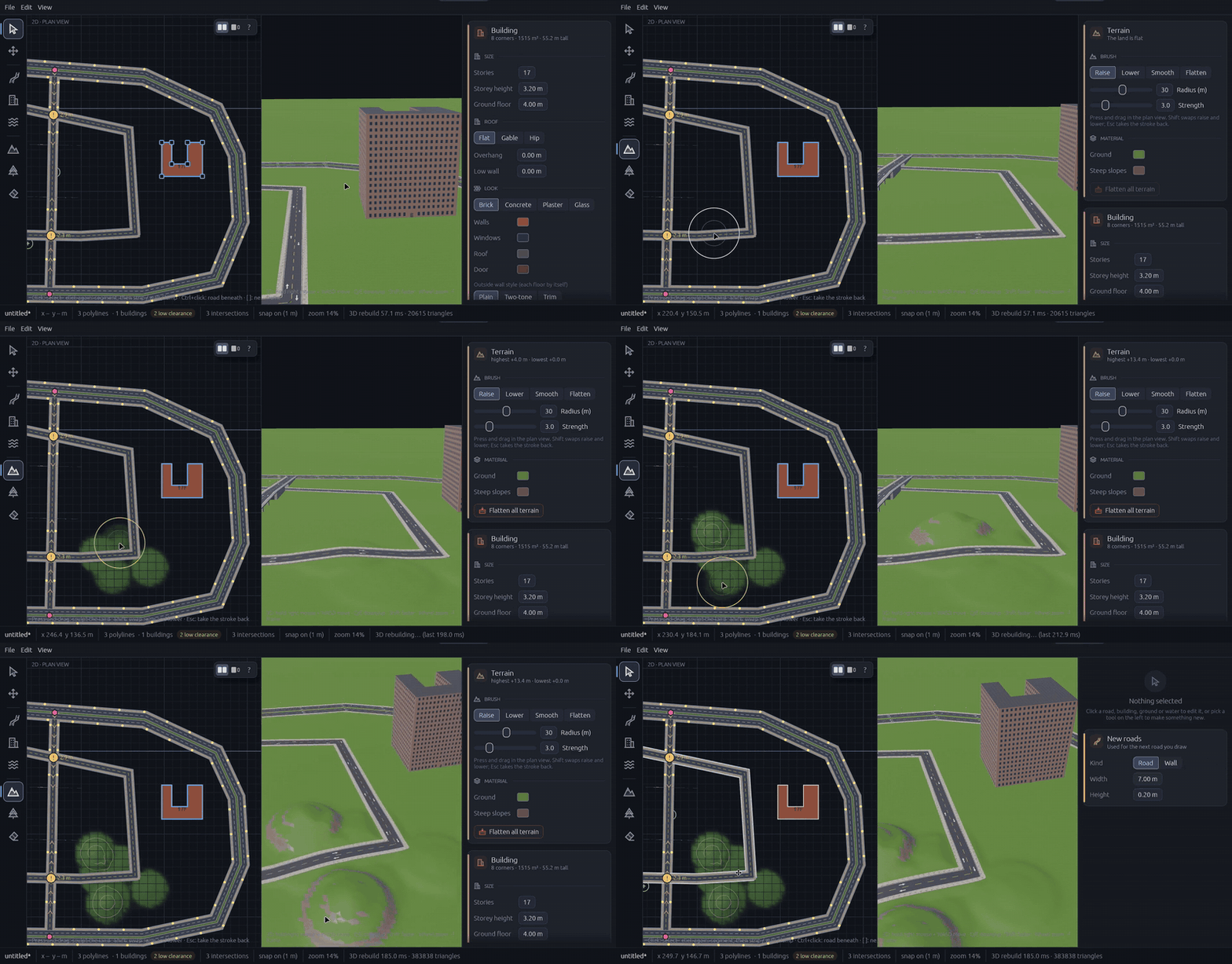
Fiza3D exports your finished map to glTF, including sculpted terrain, roads, buildings and scenery. The editor bundles 177 CC0 PBR materials, so textures for asphalt, concrete, brick and more are ready to use in your project. Before exporting, you can walk the map in first person to check scale, doorways and stairs.
After import
Once the map is in your engine, add collision, navigation and lighting there. The goal of the editor is to get you from empty grid to a believable world quickly, so your time goes into gameplay and not into hand-placing geometry.
Want to try it? Join the Fiza3D waitlist and we will email you when it opens up.
Build your first 3D map
Join the Fiza3D waitlist and be first in line when it opens up.
Join the waitlist